The "Idle Silicon" Problem
Many users start with an LLM Chat Agent with a few basic tools, or tried opensource Agentic Solutions like OpenClaw and realize they are either too simple in functionality,
or too difficult to manage, or lack the durable state, policy gating, and multi-agent orchestration required for real work.
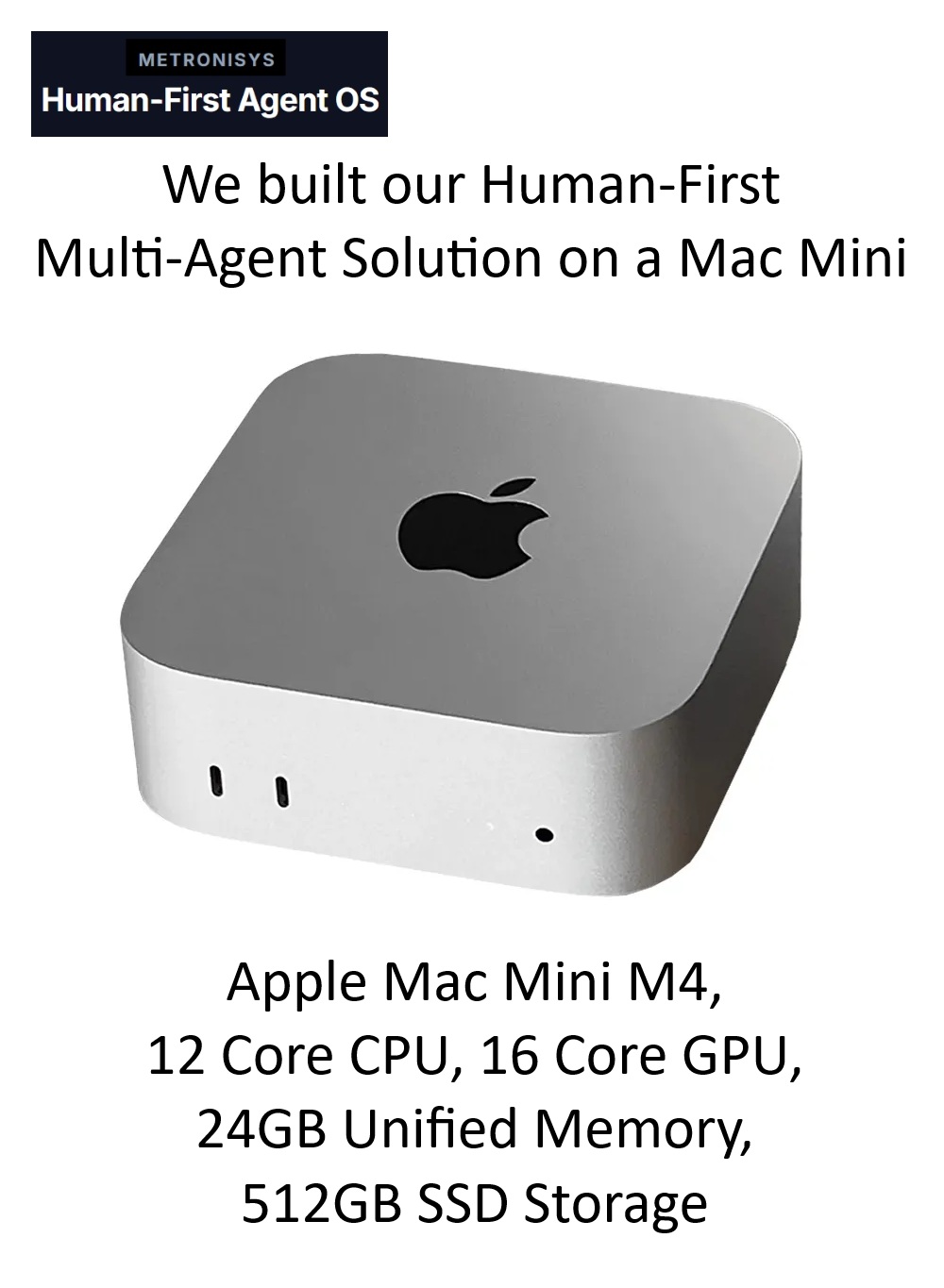
Your Mac Mini is Sovereign Infrastructure just waiting for a real Human-First operating system.
Why Metronisys?
- Fully Local
- Ephemeral sessions
- No audit trail
- Direct, ungoverned tool access
- Single-turn logic
- Durable Blackboard memory
- ISO 42001 Tamper-evident logs
- Risk-based policy engine
- Parallel DAG execution
Beyond OpenClaw: The AI Appliance
Turn your spare Mac Mini into a professional-grade, ISO-governed AgentOS.
Deployment Guide: Your 3-Step Reset
01. Dedicated Environment (Fully Local)
Wipe your spare Mac Mini and install a clean build of macOS or Linux. Metronisys thrives on dedicated silicon where it can maintain a persistent Blackboard State without interference from daily-driver software.
02. Inject the "Soul" (Constitution)
Unlike standard LLM wrappers, you will define your Agent's "Soul"—a set of immutable hard-denies and human-approval gates. This ensures that while the agent is autonomous, it never violates your privacy or procurement boundaries.
03. Activate the Orchestrator
Run the master_agent.py core. Your Mac Mini now functions as a network-available AI Appliance, capable of running complex ReAct loops and multi-step research missions while you sleep.
System Architect Evaluation
"Metronisys provides a clear separation of concerns: Policy → Planning → Execution → Audit. It transforms a consumer Mac Mini into a robust solution for solo-operators who cannot compromise on data sovereignty."
Explore & Download the Local-Build